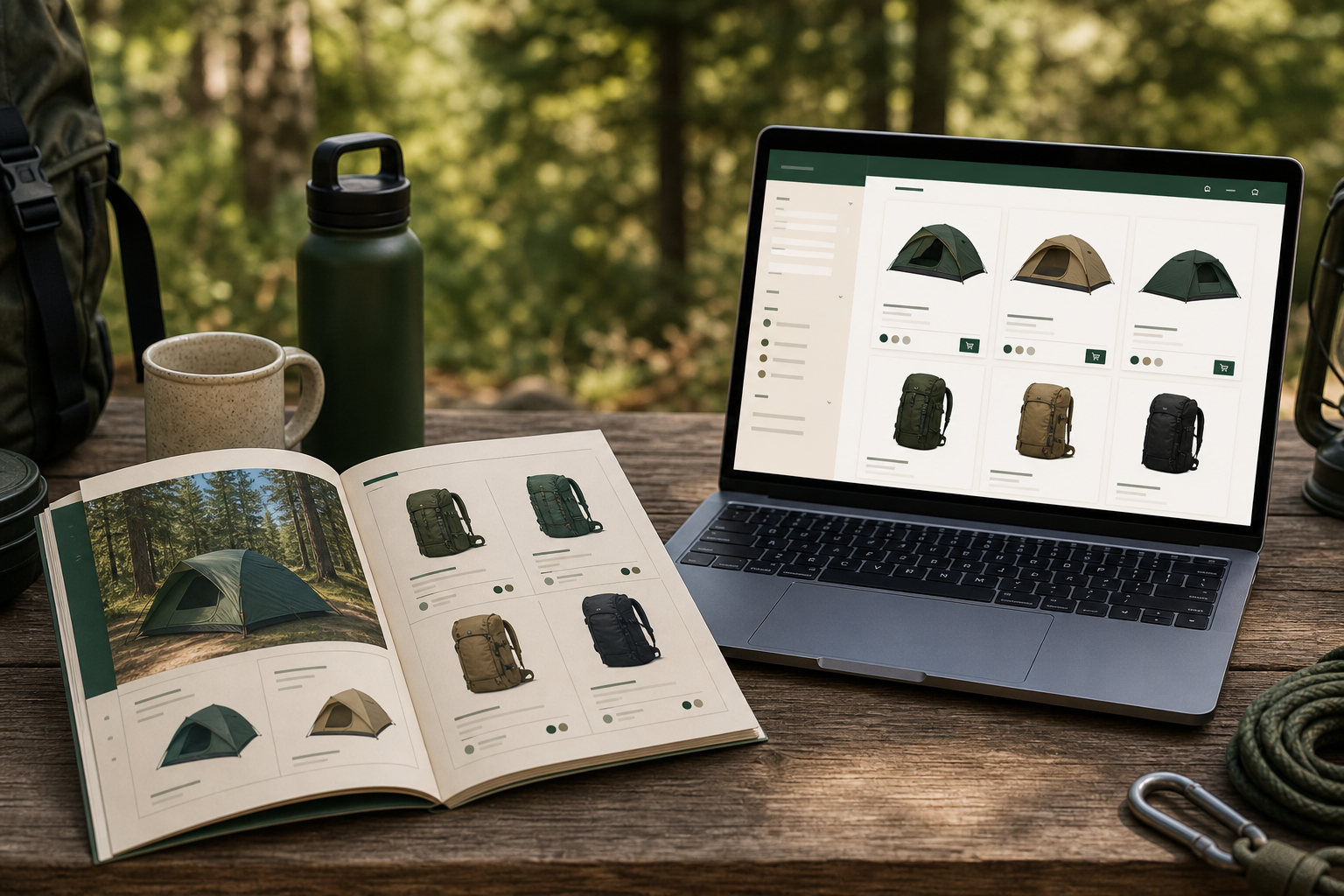
Store Catalog App is a desktop catalog builder that stays connected to the products you already sell. Here’s the flow most merchants follow.
1. Start a trial and connect your store
Download the Windows app from storecatalog.app, paste your license key, and enter your Shopify or WooCommerce URL. On first launch the app can pull store settings so you aren’t retyping credentials.
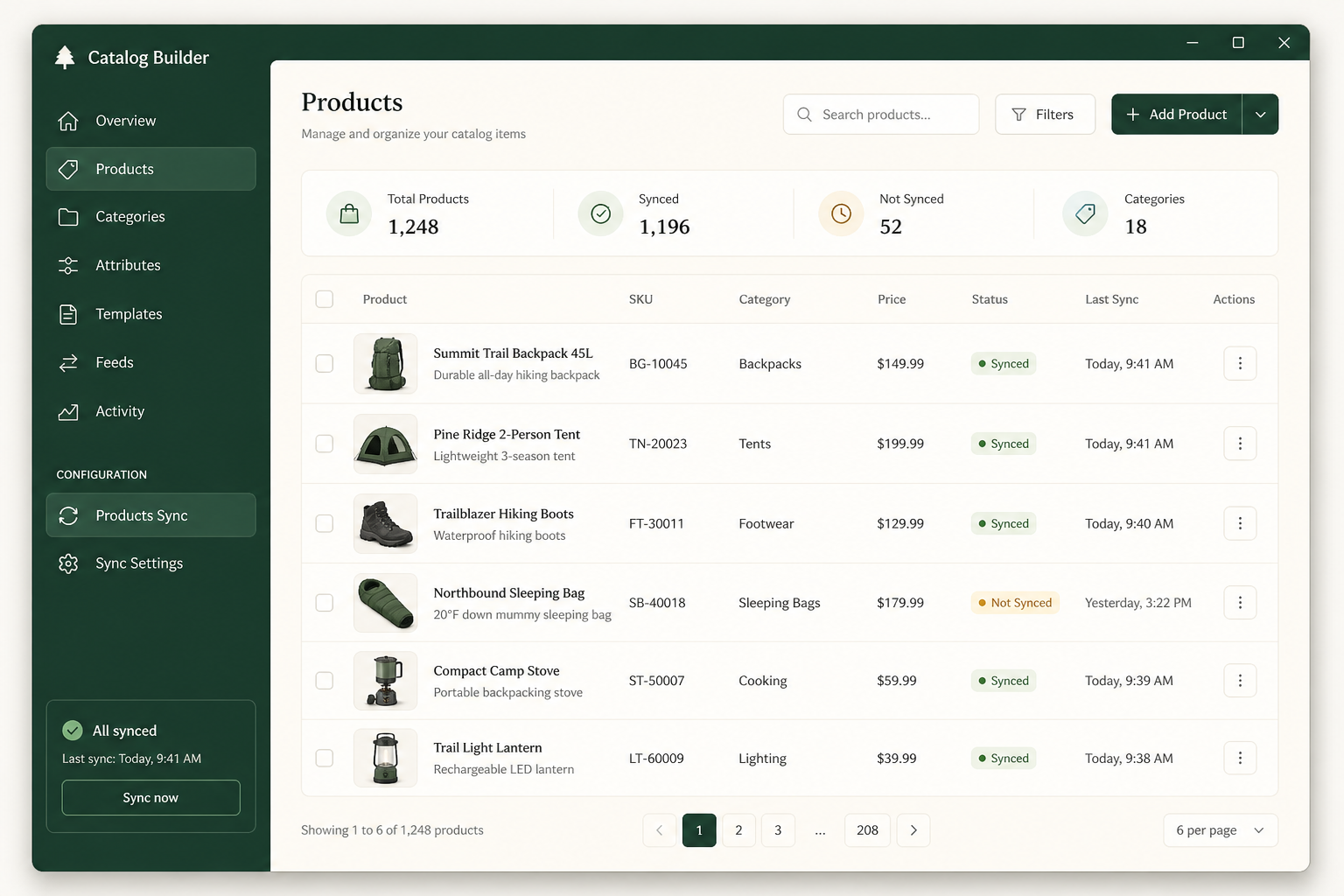
2. Sync products and collections
One sync brings in titles, prices, images, and collections. Mark which products belong in the catalog, set wholesale discounts (global or per product), and edit catalog copy without changing your ecommerce storefront.
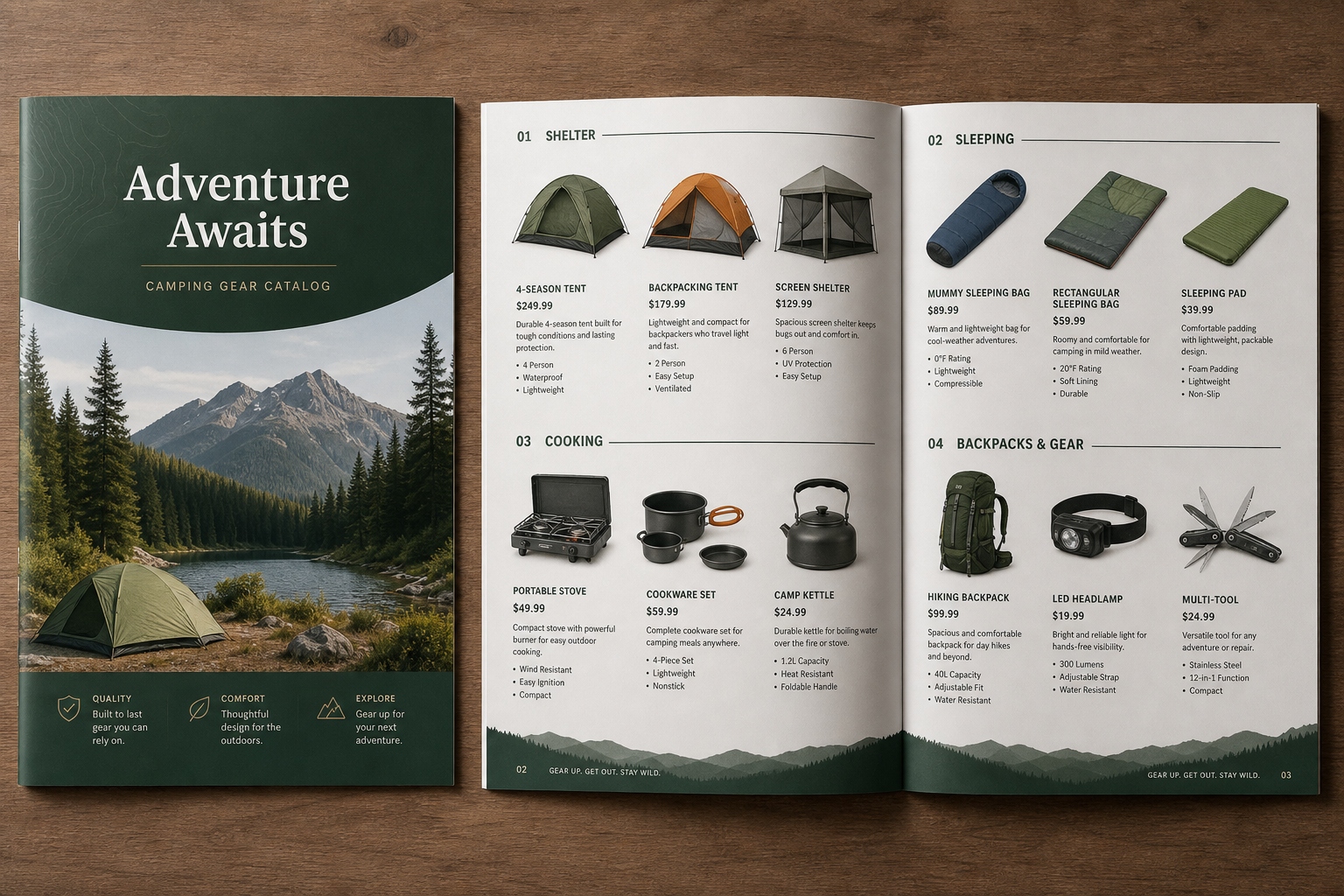
3. Build print-ready PDFs
Generate retail or wholesale catalogs in letter, 6×9, or 8×8 formats — covers, product grids, order forms, and optional duplex filler pages. Export an Excel order form with live discount formulas for buyers who still work in spreadsheets.
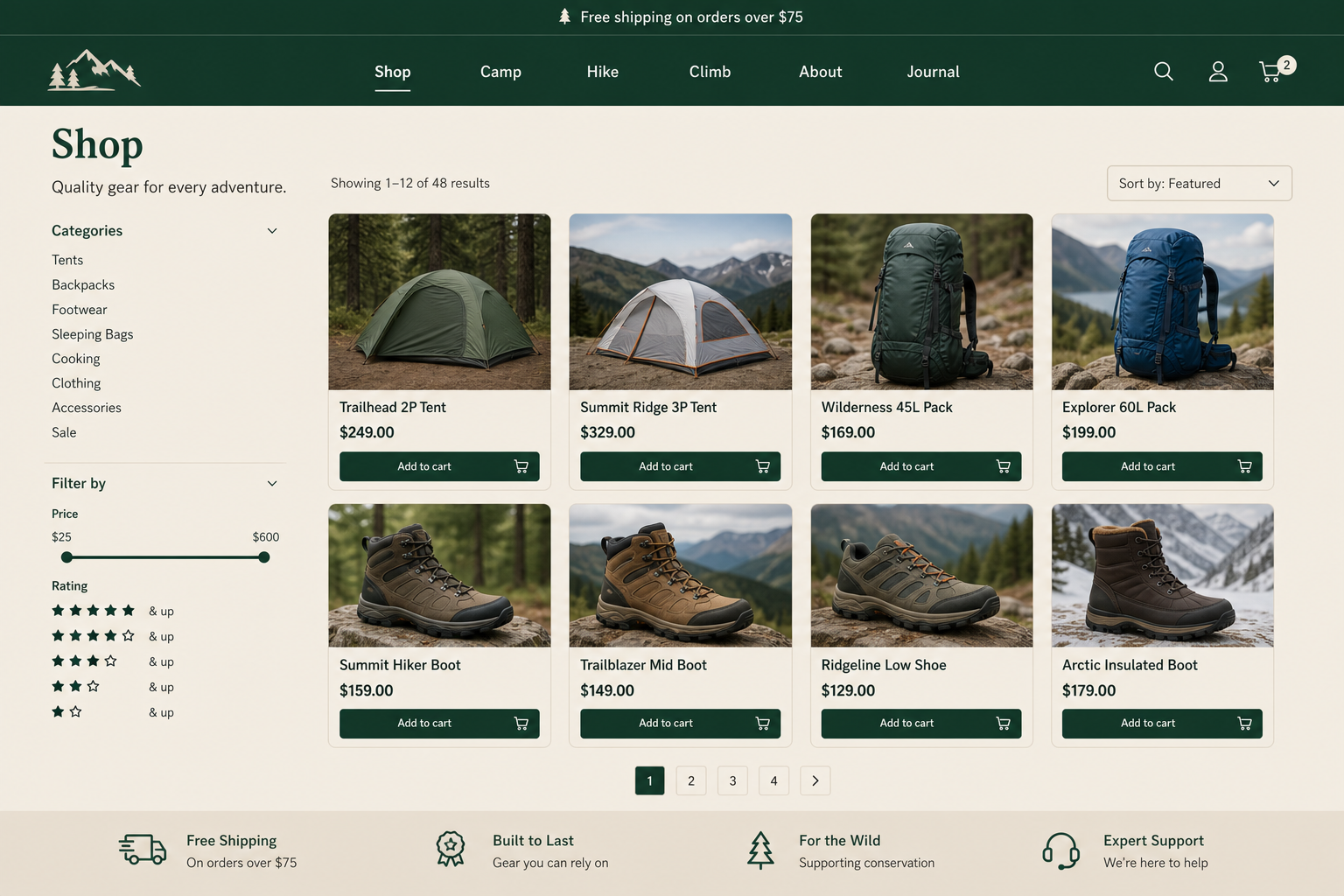
4. Publish a hosted digital catalog
Publish to yourname.storecatalog.app for a retail shop and wholesale portal. Buyers can browse, request orders, and check out when you enable Stripe or PayPal. See the River Country demo shop for a live example.
5. Stay in sync
When prices or inventory change upstream, sync again and republish. Billing is managed in-app at $9.99/month after a 30-day trial, with a 24-hour grace period so mid-job work isn’t interrupted.